Tag Archives: coffee

Coffee Artz with a Spring in its step

It’s Coffee Artz again this week, on Thursday, May 18th, 10.30am to 12noon, and the theme is Spring.

Everyone is welcome to join in and help create a picture of Springtime which will then be made into cards to sell.

Coffee Artz takes place on the first and third Thursday of each month and each time the group takes a different theme to inspire the art. No artistic skill is needed, no experience is needed and the equipment is all provided. Coffee, chat and cake are also provided!

To find out more email Elaine Fell.

Coffee Artz – so good we’re doing it twice!

Coffee Artz at St Mark’s – a morning of coffee, cake, chat and artistic endeavour (no skill or experience needed) – is expanding. It will now be on the third Thursday of the month as well as the first Thursday, so is on this week (19th) from 10.30am to 12pm at St Mark’s, Alma Lane.

This week the group will be exploring colourful ways of using paints and fabrics to create unique items and a group Coronation collage. They will also be eating cake, drinking coffee and tea, and socialising.

Everyone is welcome – just turn up!

Joining After-Church Coffee on a Mobile Phone or Tablet

You may be aware that we have been videoconferencing after church coffee.  If you have a smart phone and would like to join us, here are the instructions.  These take screen shots from a recent version of Android, but I guess iPhones work similarly (the picture above is an iPhone, so don’t worry if yours doesn’t look like that).

Microsoft Teams

Go into the Play Store (Android) or App Store (Apple).

Screenshot_20200412-135535

In the bar at the top type Microsoft Teams

Screenshot_20200412-135558

Click on Microsoft Teams in the list.
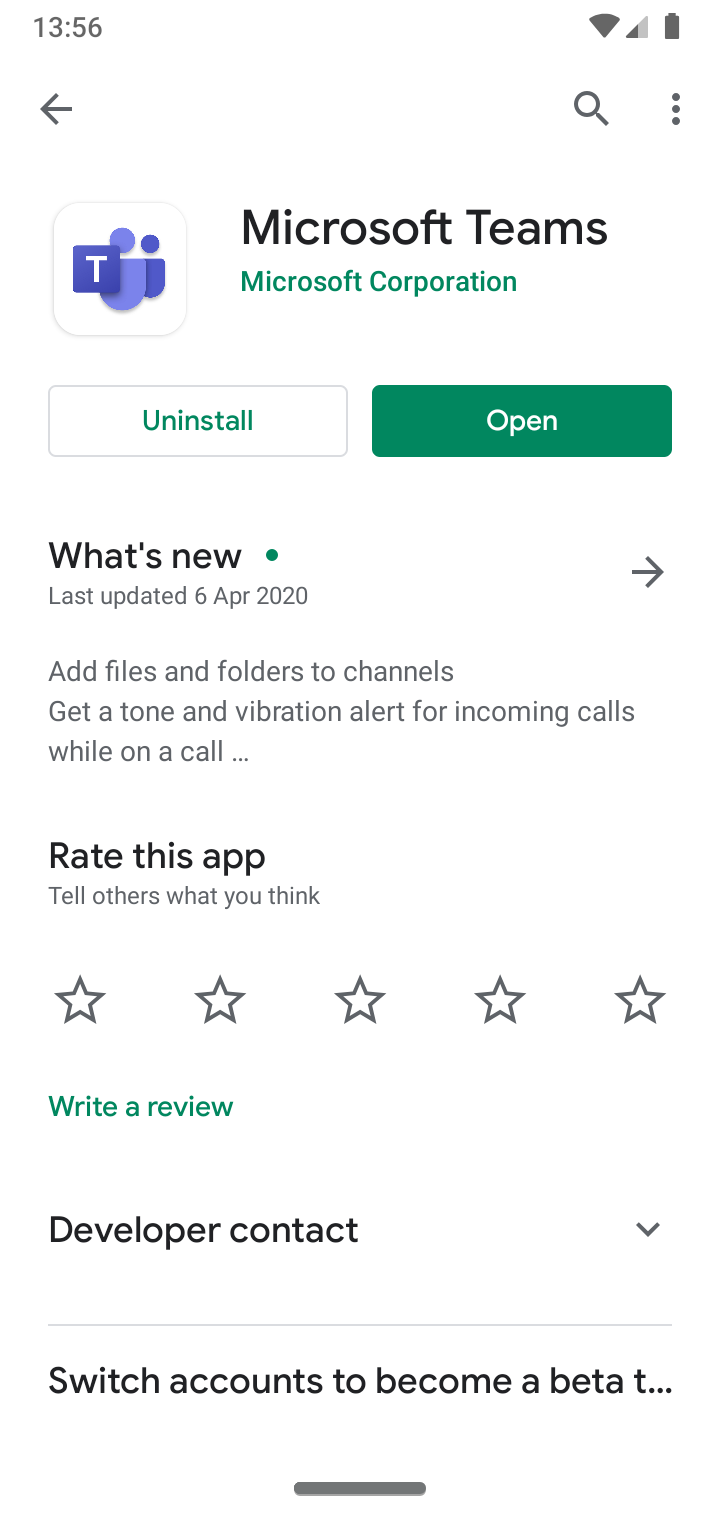
Screenshot_20200412-135615

Your screen should say install (mine says open because it is already installed).  Click on that.

When the time to join comes, click on the link in the Weekly Notices, or the invitation that has been emailed to you.

Zoom

Go into the Play Store as above.

type zoom

Screenshot_20200412-135632

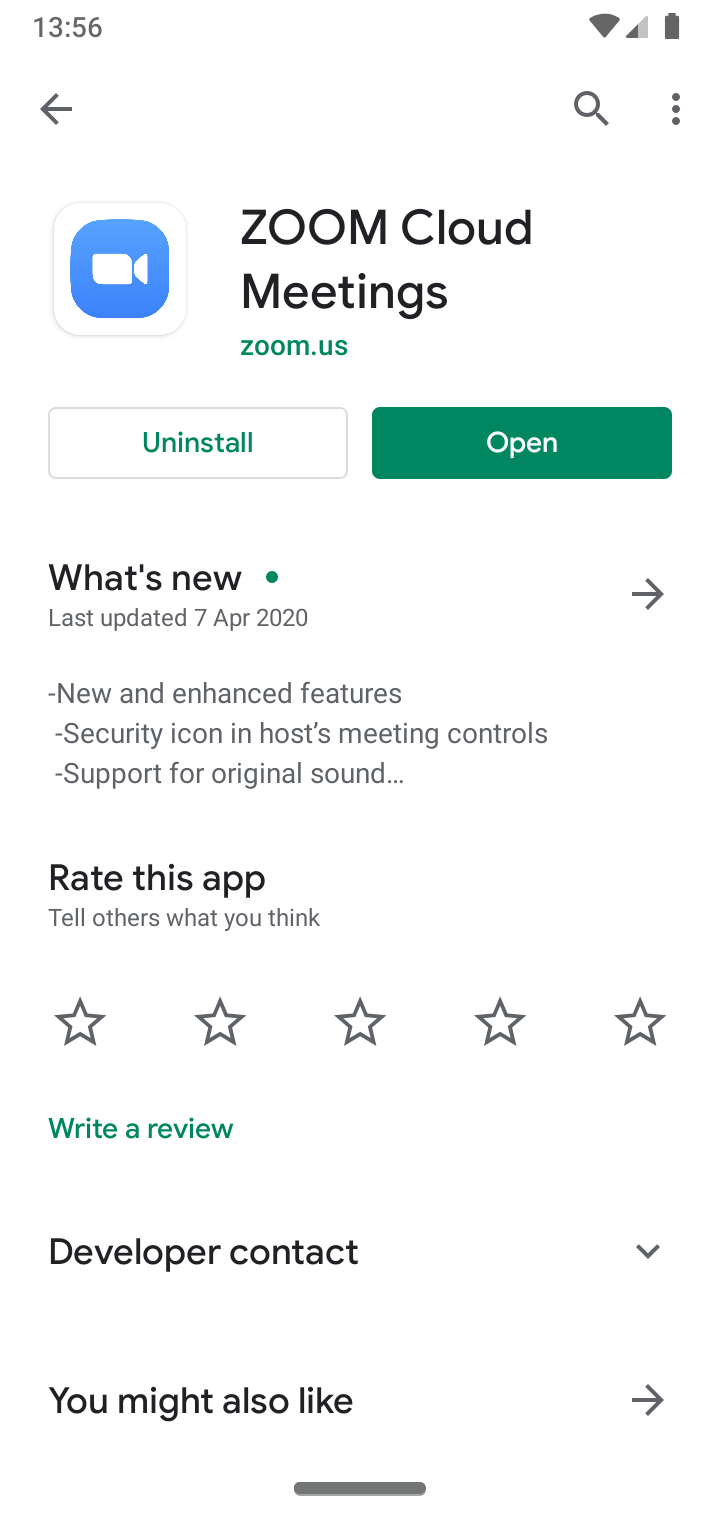
Pick Zoom Cloud Meetings.

Screenshot_20200412-135645

Click on Install as above.

When the time to join comes, click on the link in the Weekly Notices, or the invitation that has been emailed to you.

Getting Weekly Notices

If you do not currently get the weekly notices, you can sign up here.

Photo by: Image by Jan Vašek from Pixabay